


Easily Manage School Inventory Digitally
Inventory Everything
- Digitally capture every type of inventory.
- Flexible category & attribute structure.
Assign Everything
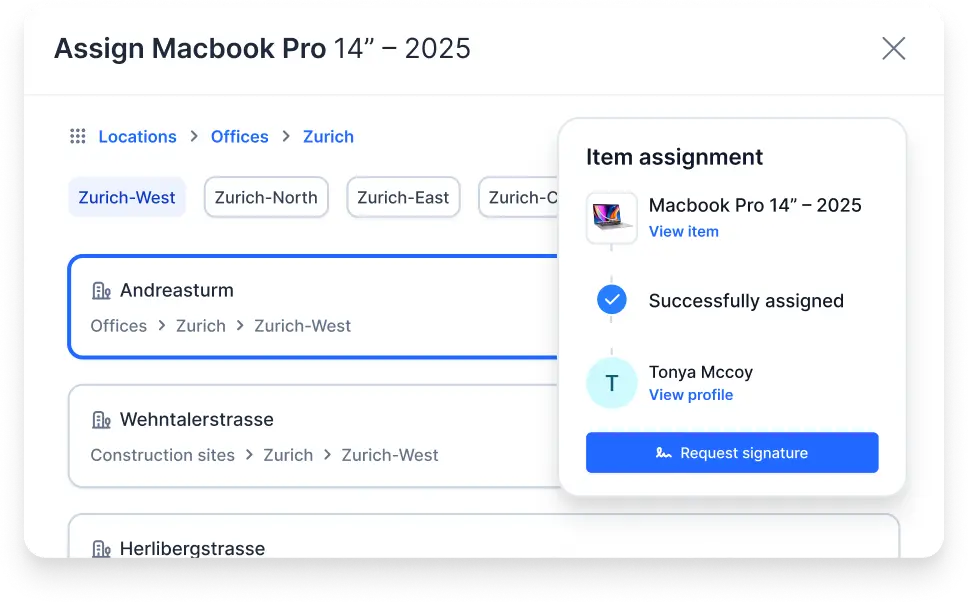
- Assign items to resources via a barcode scan.
- Historically traceable and audit-proof.
Automate Maintenance
- Manage defects & issues via a ticketing system.
- Monitor performance & consumption data.
Expected Results
- Central overview of your entire inventory.
- Ensure operational readiness of your inventory.
Centrally Record and Manage All School Inventory
Capture and manage all equipment and materials centrally, whether it’s IT equipment, tools and devices, or musical instruments, furniture, and contracts. With a digital item file, all relevant information for each item – such as documents, manuals, maintenance history, locations, and responsibilities – is stored in one place.
All Items
Consumables
All Locations
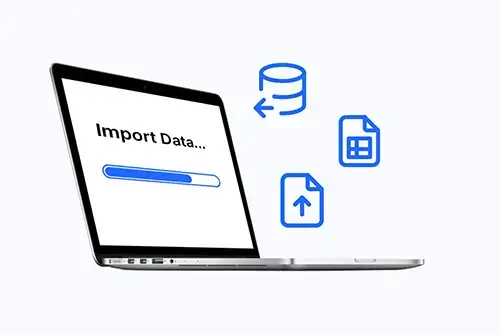
Import Existing Data
Assign Inventory to Any Type of Resource
- Who is currently using Tablet X?
- When does the software license for Room 203 need to be renewed?
- Which classroom is Projector Y currently in?
- Are enough notebooks and devices reserved for exam week?
Digital Maintenance Management for Your Inventory
Consolidate all inspections, maintenance, and deadlines for devices, machines, and equipment in one place. Automatic reminders, complete documentation, and easy integration with your service partners provide full transparency over the condition of your inventory.
TICKETING SYSTEM
Centralize All Your Service and Maintenance Requests
Centralize all your service, support, and maintenance requests. The ticketing system automatically creates, prioritizes, and schedules tasks.
Faster processing of service and maintenance cases
Clear accountability through automatic assignment
Complete documentation of every activity
ITEM PERFORMANCE
Leverage Performance and Consumption Data Intelligently
Connected IoT sensors provide real-time data, detect issues early, and help plan maintenance optimally.
Real-time overview of your entire inventory
Early warnings for anomalies or defects
More effective planning and utilization of your resources
DIRECT-ACCESS LABELS
Make Item Data Instantly Accessible via QR Codes
No login required – service partners and customers can report damage or issues directly on the item, keeping information up to date and processes smooth.
Instant access to item data via QR code
Always up-to-date information directly on the item
Faster, more transparent service processes
What Our Customers Achieve With Timly
Authorities, schools, and other organizations gain better visibility of their items, prevent losses and downtime, and speed up their daily processes. This covers everything from maintenance and service to allocation and reporting. Just give it a try.
Central Overview
- What do we have?
- Where is the inventory?
- Who currently has it?
- Who needs it and where?
Operational Readiness
- When is the next service due?
- Which service partner?
- Service History?
- Documentation?
Time Savings
- Access from anywhere
- Transparent processes
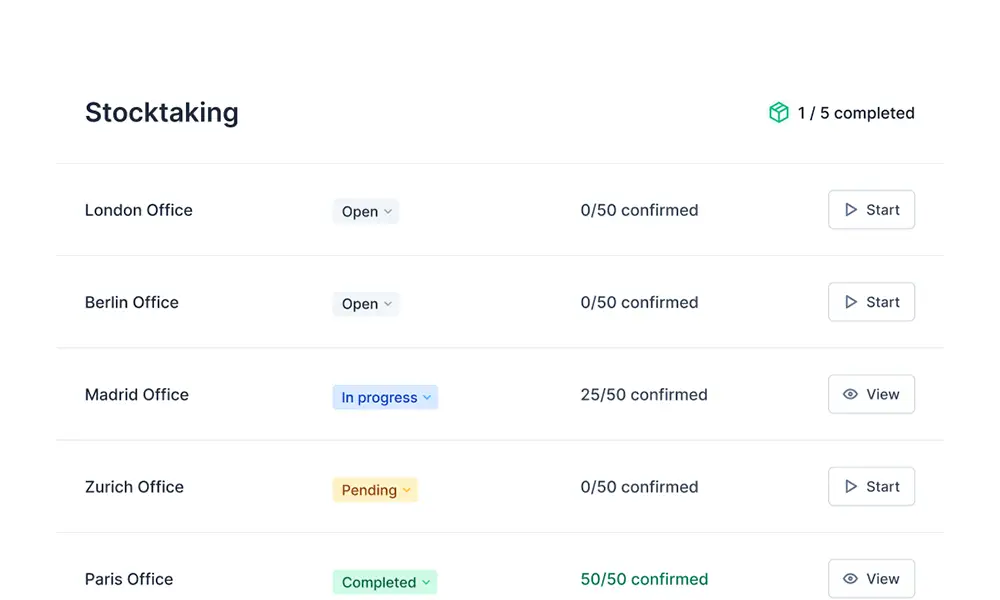
- Digital stocktaking
- Reports
Resource-Efficient
- Fewer outages
- Reduced search costs
- Increased employee accountability
- Predictable ROI
ROI of Timly Software for Your Company

Inventory Issues Resolved at the Cantonal School
"We are very pleased that with Timly we have finally found a simple and intuitive software solution to tackle the inventory challenges at our cantonal school. Managing IT assets is just the beginning."
Markus Walter | Head of Central Services


IT Asset Management Made Simple
"Our IT inventory management now works completely smoothly with Timly. Previously, we relied on the usual methods, which made it easy to lose track. Digitizing our processes with Timly software provides real added value and significantly reduces administrative effort."
Murat Tulgar | IT Manager


Complex Education World, Simple Inventory Management
"GGSD is a constantly growing educational organization with 15 locations and 41 state-recognized schools across Bavaria.[…] We chose Timly because the software meets the needs of our complex organizational structure, is user-friendly and intuitive, and offers versatile reporting options.[…] We experience the collaboration as very customer- and service-oriented."
Julia Pao | Head of Finance


Fast, Professional Support That Really Helps
"The big difference is the customer support. So far, everything has been resolved or improved very quickly, or we’ve been shown the correct way to do things when we made a mistake. I wish all companies were this professional."
Alexander Mendel | IT Administrator
Features of the Timly Inventory Solution
Digital Stocktaking
Internal Ordering System
Resource Scheduling and Deployment
Digital Signature
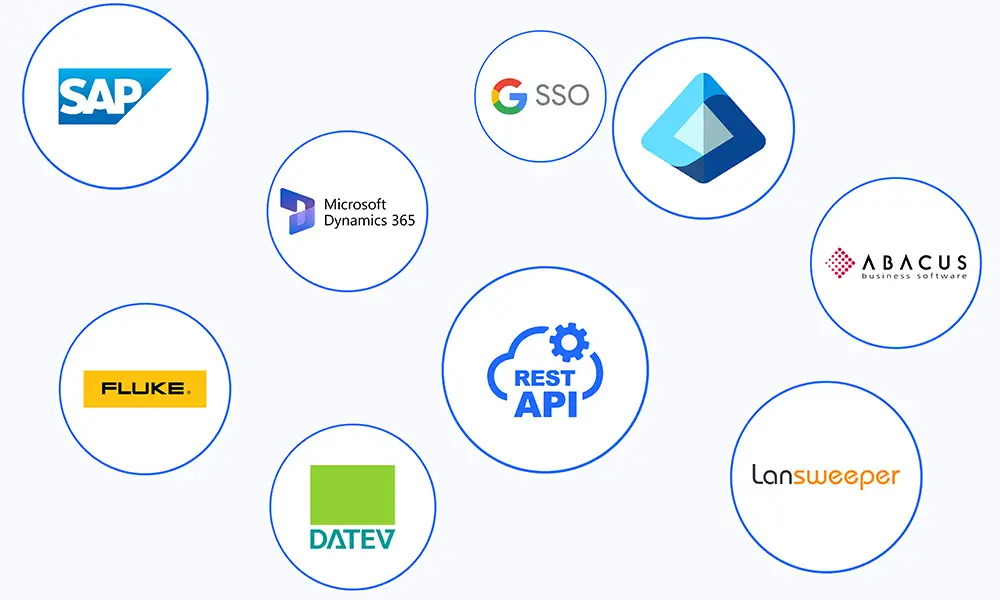
Versatile Interfaces That Connect Your Systems
Frequently Asked Questions About Inventory Management
Get answers to the most important questions about Timly, the digital inventory management solution for your school or university. Here you’ll find helpful information to make getting started and using the system easier.
With Timly, your school can record all tablets, laptops, projectors, and loaned devices centrally in a digital asset registry, assigning each device its own QR code. By scanning the code with a smartphone or tablet, authorized personnel can instantly see the location, responsible teacher, loan status, and maintenance or repair history, and make updates directly on site.
Yes, classrooms, departments, and institutes can be set up in Timly as separate areas with their own distinct inventories. Responsible staff can assign inventory to specific rooms or organizational units, allowing clear tracking and reporting by location or area.
The software is hosted in secure data centers that meet international security standards, including ISO 27001, ISO 27017, and ISO 27018 for cloud security and data protection. With encrypted data transmission, strict access controls, and a data processing agreement in line with U.S. privacy regulations, Timly ensures a high level of protection for your data.
Yes, with Timly, maintenance, recurring inspections (e.g., safety regulations, electrical checks), and repairs can be planned and documented centrally. For each device or specialized classroom equipment, you can set inspection deadlines, assign responsible personnel, and schedule reminders, while keeping a complete history of completed work always in view.
Yes. Existing inventory lists can be prepared via CSV/Excel export from your school or campus system and then imported into Timly. You can map fields such as inventory number, location, category, or organizational unit directly to the corresponding fields in Timly, allowing your existing assets to be transferred without duplicate data entry.
Yes. Timly is specifically designed for schools, universities, and other educational institutions and is already used daily by many of them. The interface is intuitive, mobile-friendly, and tailored to typical school processes such as equipment distribution, room assignment, and maintenance planning, allowing teachers and administrative staff to work without extensive training.
Yes. You can either book a free online demo with an expert or start a risk-free, 10-day trial of the Timly inventory software yourself and test the features with your own data.
Never Lose Track of a Device Again. Digitize Your Inventory in Just a Few Clicks!