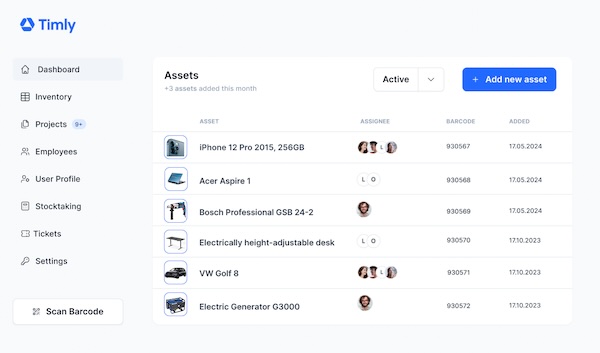


- Holistic inventory management covers a lot of ground. To be effective, your database needs to stay up-to-date at all times.
- The right infrastructure is essential. Field employees need reliable tools and systems to make the most of inventory management software.
- Cloud services and web apps make it easy. They provide seamless, real-time access, ensuring your team stays connected and productive, no matter where they are.
- What Is Field Service?
- How Does Field Service Management Software Work?
- Why Software-as-a-Service (SaaS) Is a Game-Changer
- What Security Measures Should Be in Place For Your Field Service Management Software?
- The Web App: A Universal Tool for Field Teams
- Self-Inventory: Simplifying Annual Stocktaking
- Enhancing Field Service Management with Convenient Software Features
- Holistic and Intuitive: Making the Most of Field Service Software
- FAQs: Using Field Management Software
What Is Field Service?
When choosing the right field service management software for your business, it’s essential to understand your specific needs and goals in its field service. Field service is essentially any work performed outside the company’s main office. This can take many forms, and while there are similarities across different types of fieldwork, the details vary. These differences are key to selecting the right software.
Most businesses manage several types of field service simultaneously, including:
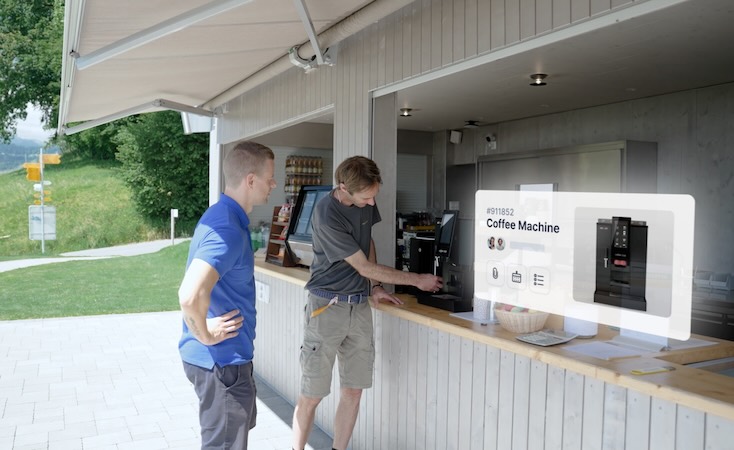
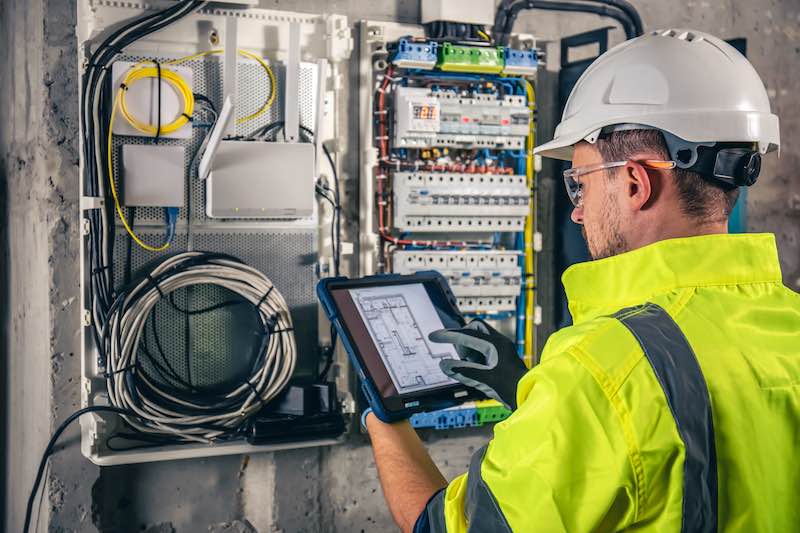
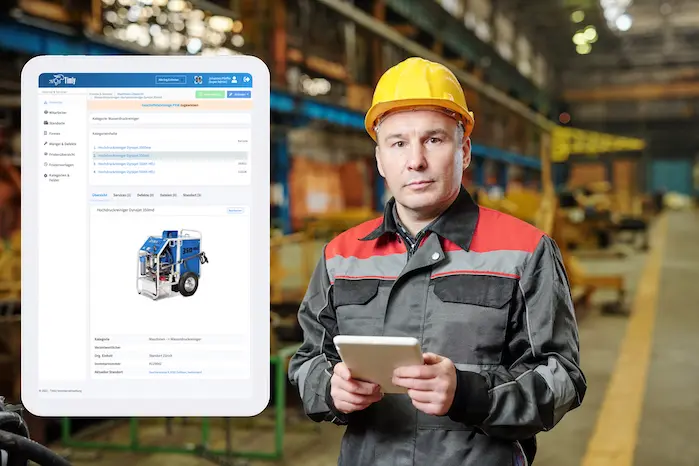
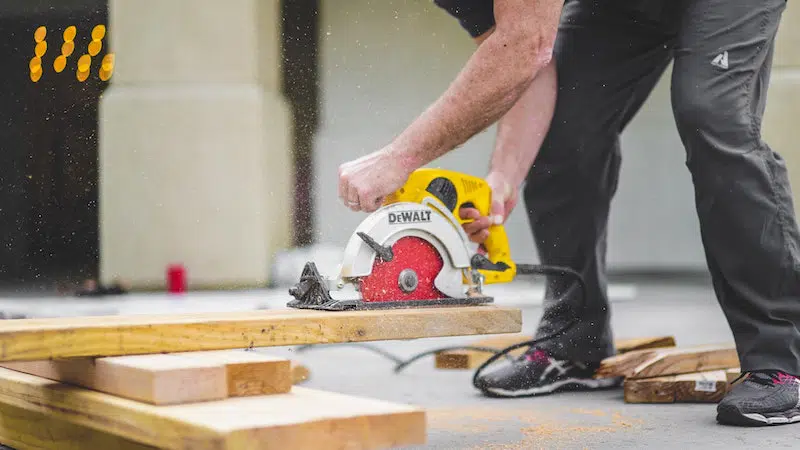
- Customer Service and Construction Sites: Technicians and tradespeople often work at job sites or customer locations. They rely on tools, equipment, and materials to get the job done, making it crucial to track inventory in real time. Whether they’re repairing equipment or lending out tools, they need a system that works independently of the company network. Plus, field devices must be tough enough to handle rough conditions and easy to use.
- Assembly and Project Work: Similar to construction, but these jobs often keep workers away from the office for longer periods—sometimes weeks or months. Teams are typically assigned specific equipment for the duration of the project and must manage it carefully. They need constant access to project data and the ability to update records from the field.
- Sales and Consulting: For sales reps and consultants, staying connected is critical. Laptops and other mobile devices must run smoothly, and security is a top priority. Outdated software or vulnerable systems can jeopardize the entire network. That’s why field service management software is essential for keeping everything secure and up to date.
- Care Services and Other Providers: In industries like healthcare, following regulations is non-negotiable. Continuous documentation ensures that equipment is in proper working order, and digital signatures help validate legally binding documents. This keeps teams compliant and able to confidently do their jobs.
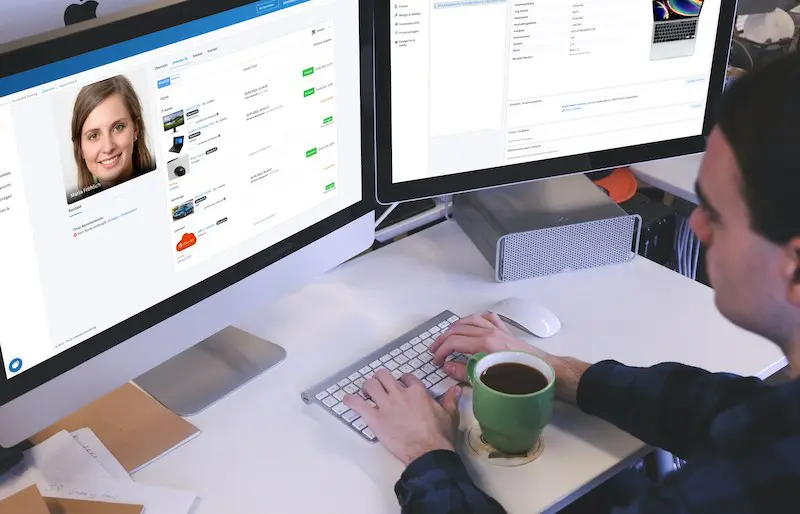
- Home Office: Many employees now split their time between home and the office. To stay productive, they need easy access to inventory systems from wherever they work. Field service management software helps them manage tasks, track inventory, and collaborate seamlessly from any location.
How Does Field Service Management Software Work?
For field service to run smoothly, teams need the right tools and a reliable way to share information. Effective logistics and planning are key to achieving both of these goals and everyone—whether in the office or the field—needs access to the same up-to-date information.
Ideally, this should happen in real-time to make sure all data is up-to-date and to avoid delays in projects. Managers also need a centralized overview to coordinate tasks and step in when needed.
To help with this, field service management software must meet several key requirements:
- Central Data Storage: All data should be stored in one central location and be accessible to everyone who needs it. This ensures consistency and avoids version control issues.
- Multi-User Capability: The software must allow multiple users to work on the same system simultaneously.
- Authorization System: Not everyone needs access to all data. A clear permissions structure ensures employees only see what’s relevant to their role, improving security and simplifying workflows.
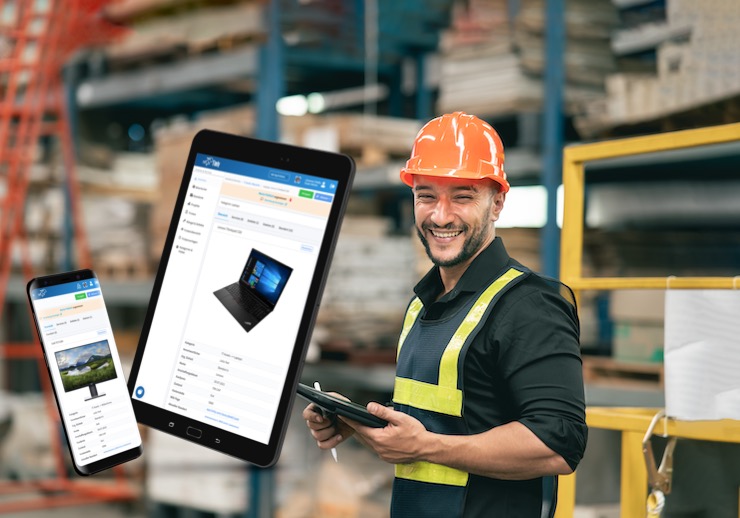
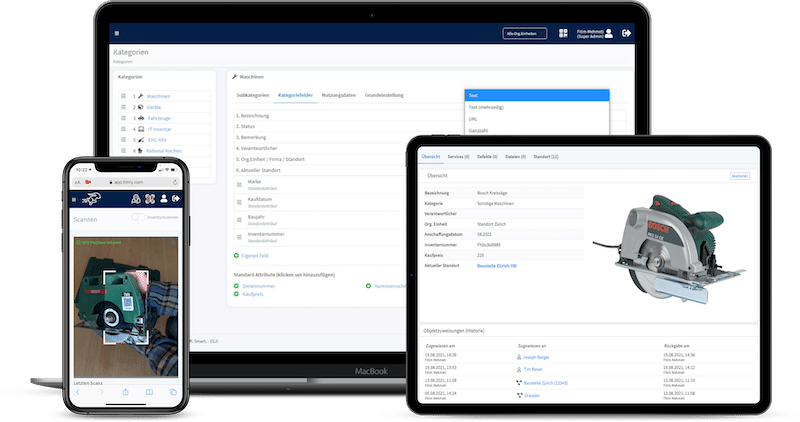
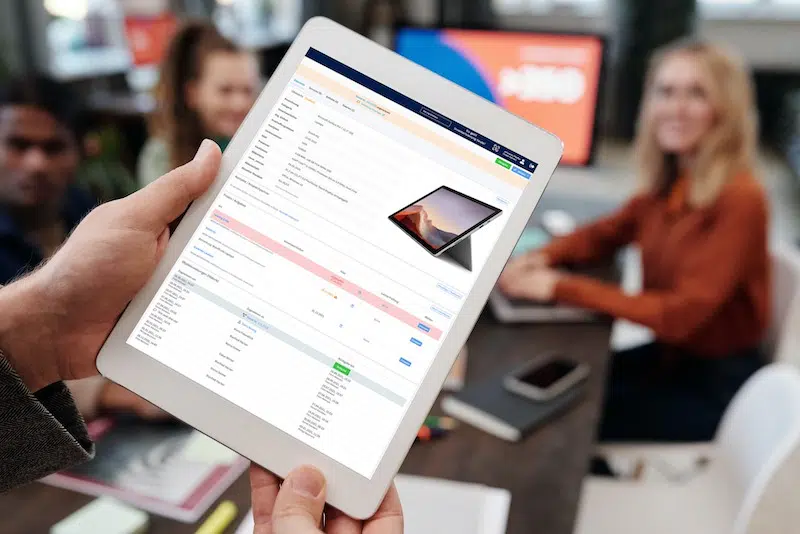
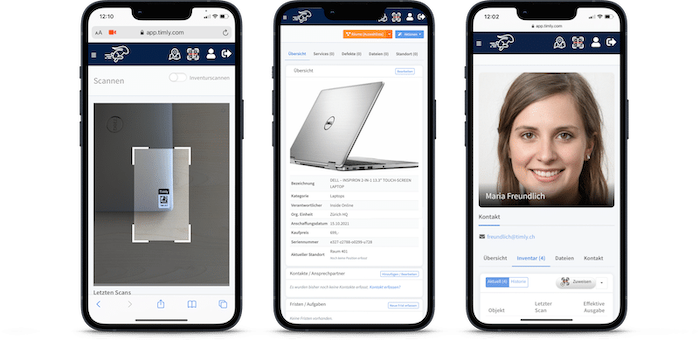
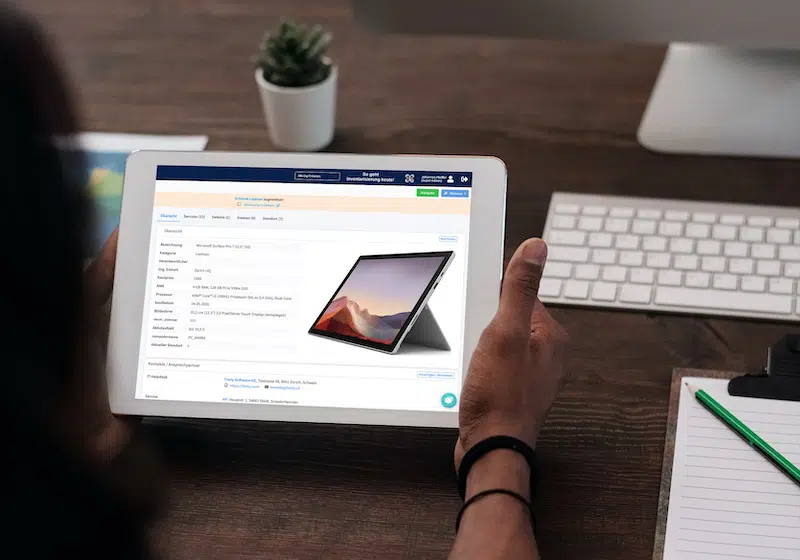
- Mobile Access: Field workers rarely have access to PCs. The software must be fully functional on smartphones and tablets so they can stay connected on the go.
- Ticket System: Orders and tasks can be created and updated directly within the system, allowing everyone to track progress in real time.
- Calendar Integration: Smart calendars help field staff stay on top of their schedules, with timely reminders ensuring they never miss important deadlines or appointments.
The Different Types of Field Service Management Software
When it comes to field service, having the right software can make all the difference. While you might be tempted to use multiple tools for different tasks, it’s often smarter (and more cost-effective) to go with a comprehensive solution. Why? It simplifies everything—from installation and maintenance to training—and reduces the risk of data getting lost or miscommunicated between systems.
The type of software you need will depend on your specific tasks, but here’s a quick look at some of the key areas where field service management software can help:
- Order Management: For sales and consulting teams, staying organized is crucial. Customer details and order updates need to be recorded quickly, ideally right on the spot. With the right software, you can create order confirmations, send them digitally, and even generate invoices—all before leaving the client’s site.
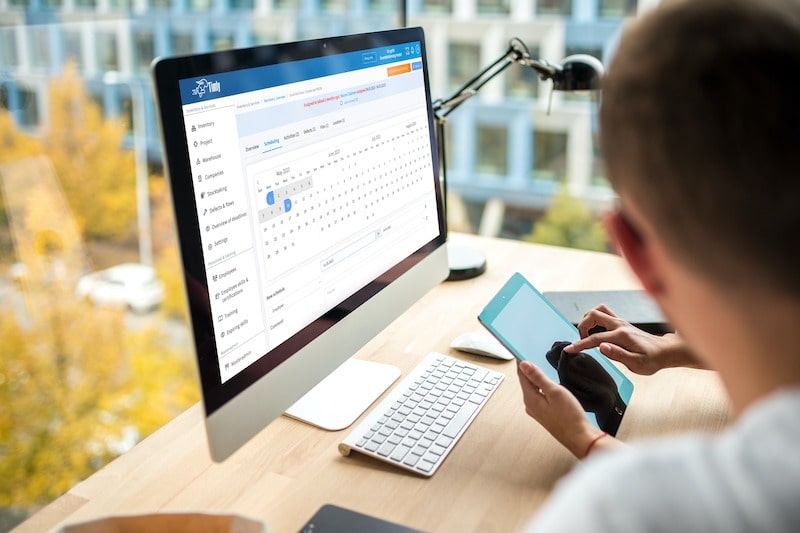
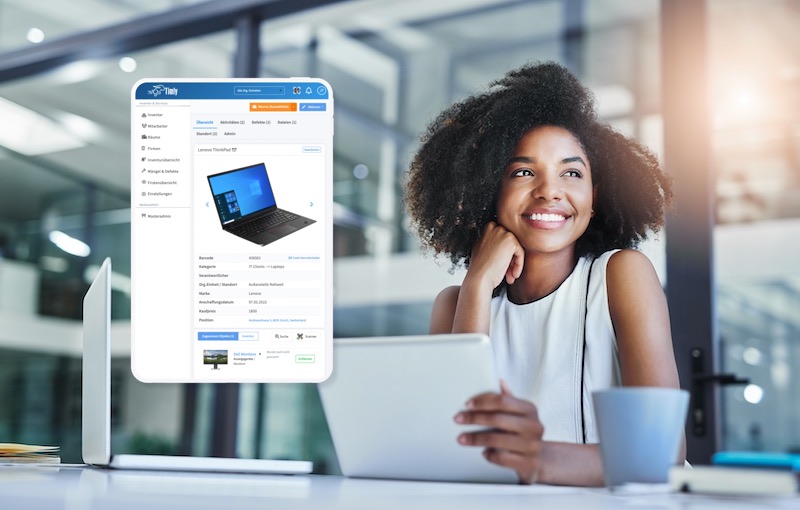
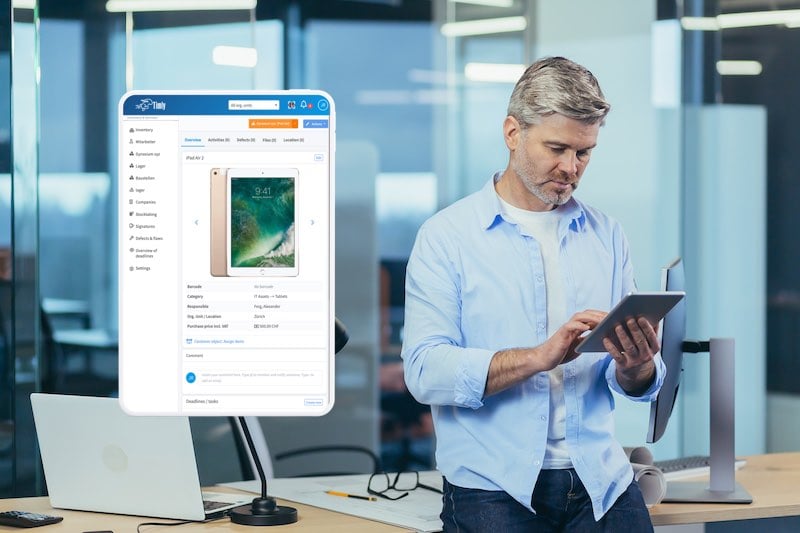
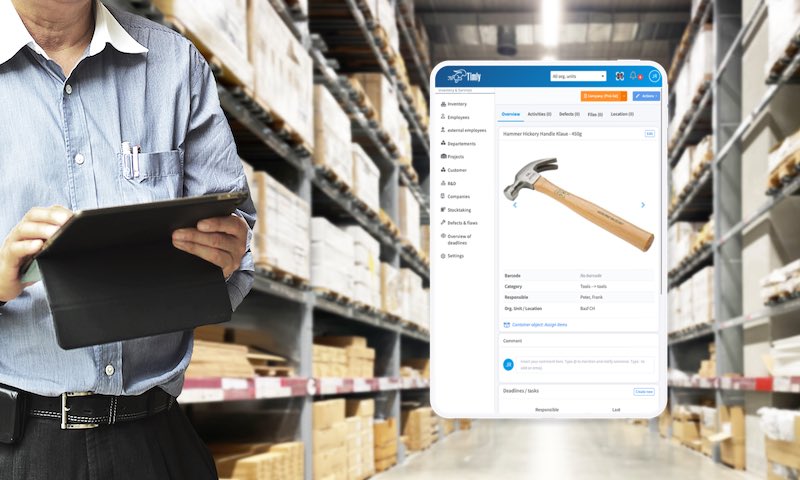
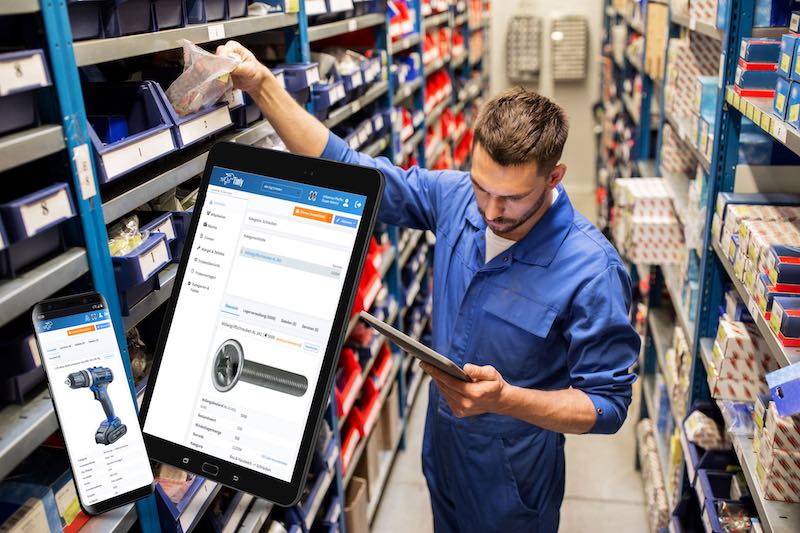
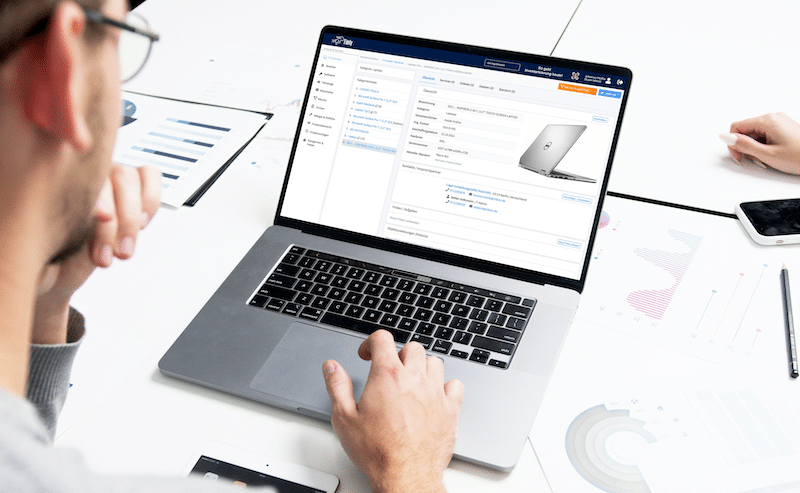
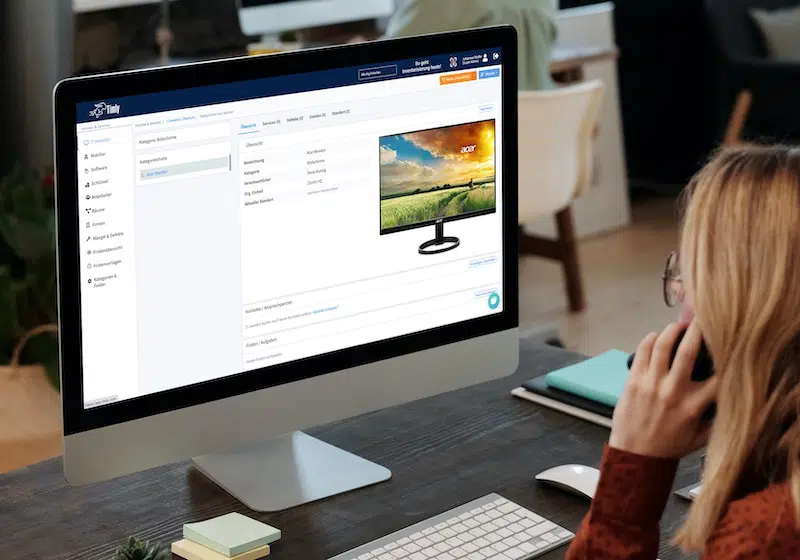
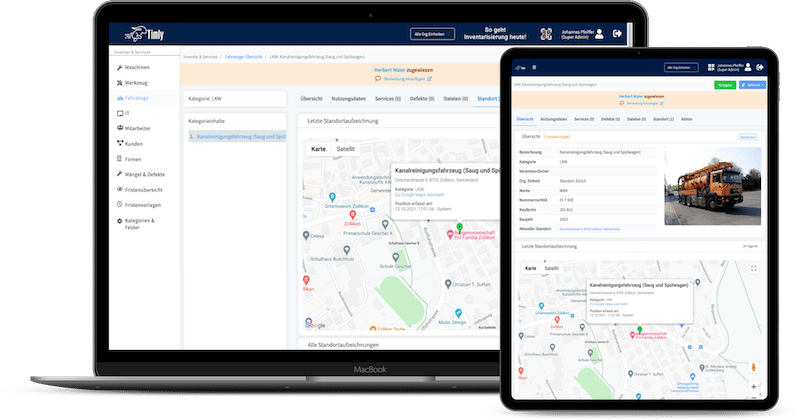
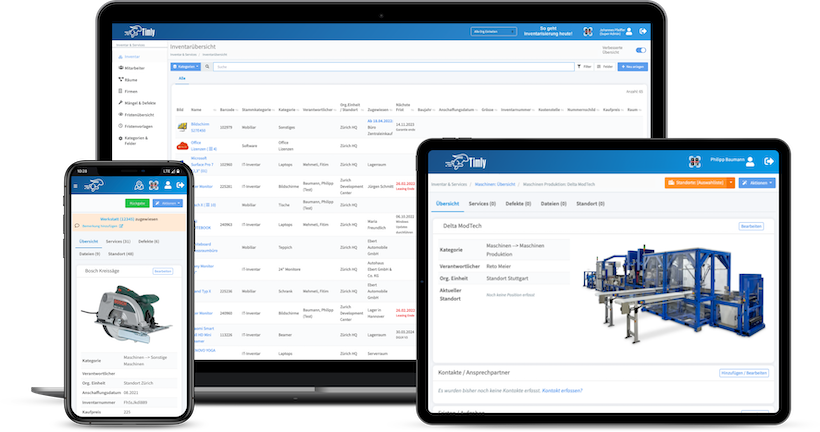
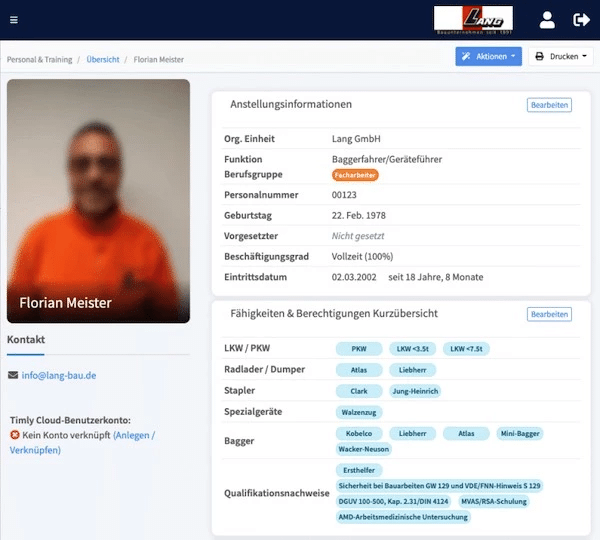
- Inventory Management: This is a must for field teams. Whether it’s tools, machines, or materials, everything needs to be tracked and managed efficiently. Modern software goes beyond simple inventory tracking. You can submit requests for new equipment, report defects, and access critical documents like maintenance logs—all through an app. Some solutions, like Timly, even integrate personnel management, so supervisors can check employee certifications and training validity in real time.
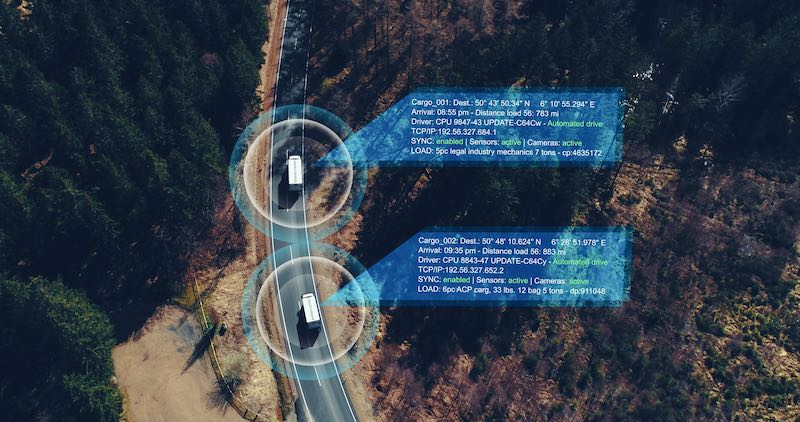
- Scheduling and Logistics: Effective scheduling is another big win. When field staff are connected to the system, they can get real-time updates on their tasks. GPS integration helps dispatchers track arrival times and adjust plans on the fly.
- ERP (Enterprise Resource Planning): Field service doesn’t operate in a vacuum. Teams often need access to broader company data, like materials or sales information, to make informed decisions on the go.
- CRM (Customer Relationship Management): For sales and consulting, having up-to-date customer information is crucial. The right CRM ensures no detail is missed, helping you build stronger client relationships while avoiding the pitfalls of outdated or incorrect data.
The best solutions offer a holistic, all-in-one approach. Imagine treating a construction site as a single “object” within your system—where everything from materials and tools to personnel and schedules is tracked in one place. This kind of software centralizes administration, reduces back-and-forth communication, and eliminates the need for syncing multiple tools. Ultimately, it helps your team work smarter, not harder.








Why Software-as-a-Service (SaaS) Is a Game-Changer
Setting up traditional software often requires a lot of infrastructure—configuring hardware, managing network connections, and, in many cases, using a VPN to keep things secure. As your team grows, so does the complexity. That’s where SaaS steps in, offering a simpler and more flexible alternative.
With SaaS, everything runs on a central server, and users access it through a web browser. This means any device with an internet connection—whether it’s a laptop, tablet, or smartphone—can use the software. There’s no need to install or maintain applications on individual devices, which makes it perfect for fieldwork.
For inventory management, this is a game-changer. Field teams can instantly access the database, update records, or report issues from anywhere, saving valuable time and keeping everyone on the same page.
Another big advantage? SaaS solutions are scalable. Whether you’re a small team or a growing company, you can easily adjust your subscription as your needs change. All you need are enough devices for your team to stay connected—no more stressing about hardware upgrades or complex setups.

What Security Measures Should Be in Place For Your Field Service Management Software?
- Encryption: All data transmitted over the internet should be encrypted to prevent unauthorized access. Essentially, this means turning information into an unreadable format before it’s sent, ensuring it stays secure in transit. Most modern systems handle this automatically, so users don’t have to worry about it.
- Authentication: Only authorized users should have access to the system. This typically involves secure login credentials like user IDs and passwords. To add an extra layer of protection, two-factor authentication (2FA) is highly recommended. With 2FA, users must enter a one-time code sent to their phone in addition to their password.
- Authorization Levels: Not everyone in your organization needs access to every piece of data. Good software includes role-based access controls, so employees can only see and interact with the information relevant to their job. This enhances security while keeping the system user-friendly.
- Compliance with Legal Standards: If your company handles personal data, compliance with regulations like the General Data Protection Regulation (GDPR) is non-negotiable. GDPR requires strict controls, including keeping data on servers located within the EU and adhering to modern security protocols. One benefit of SaaS solutions is that providers often take care of these compliance measures for you, so you don’t have to manage them in-house.
By ensuring your software includes these protections, you can safeguard your company’s data while empowering your field teams to work securely from anywhere.
The Web App: A Universal Tool for Field Teams
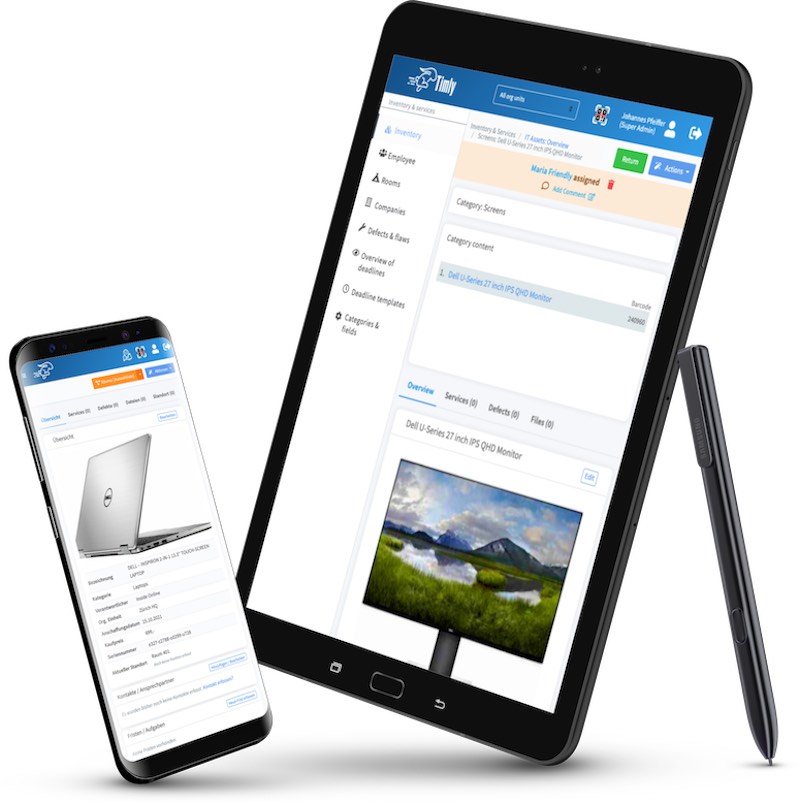
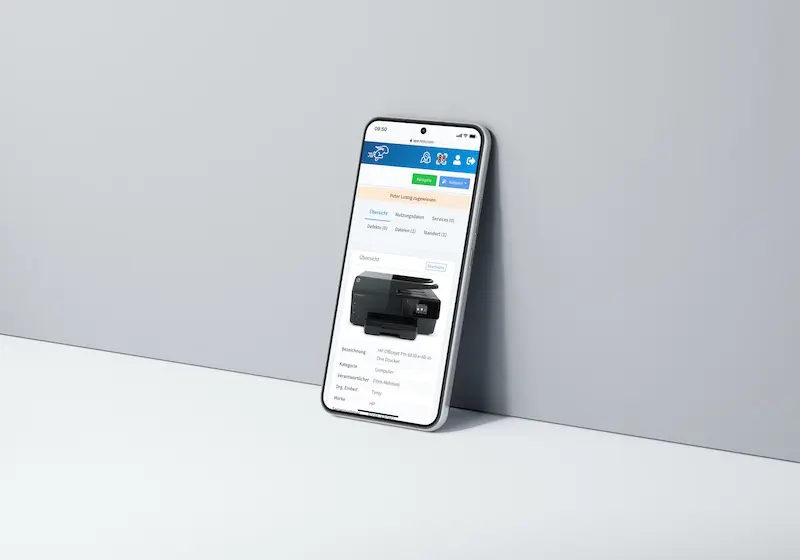
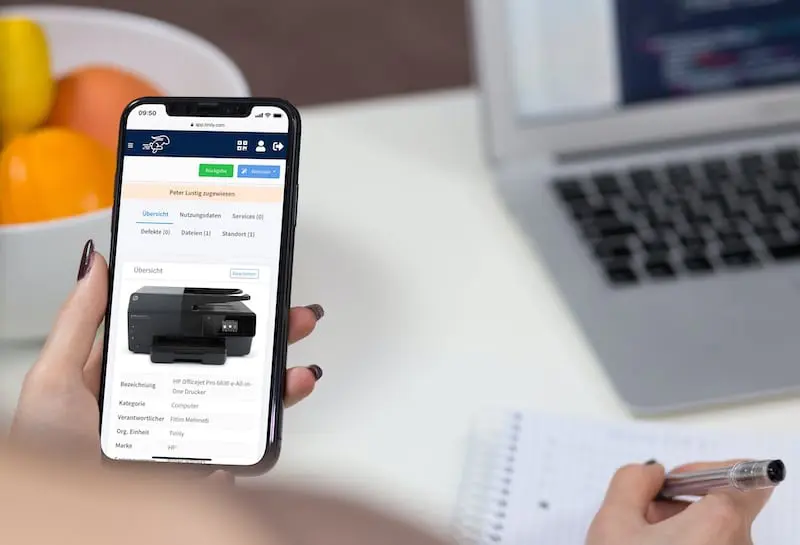
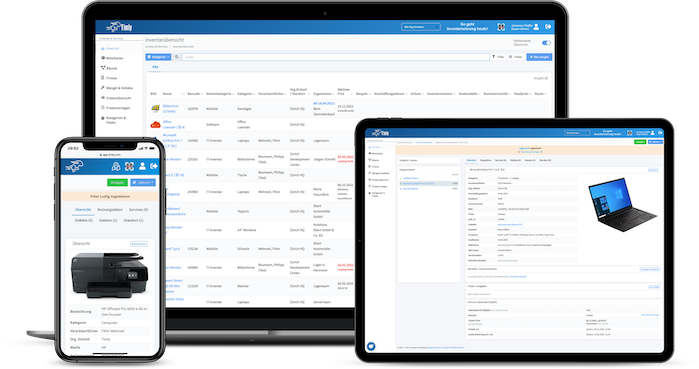
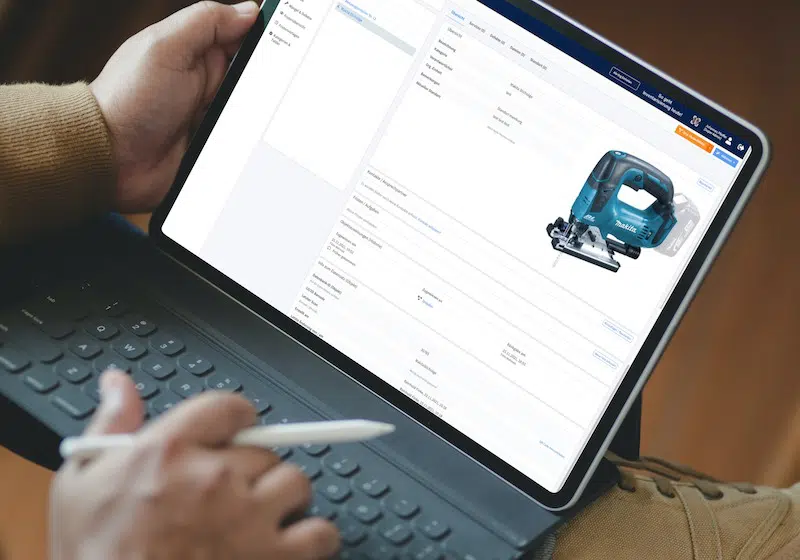
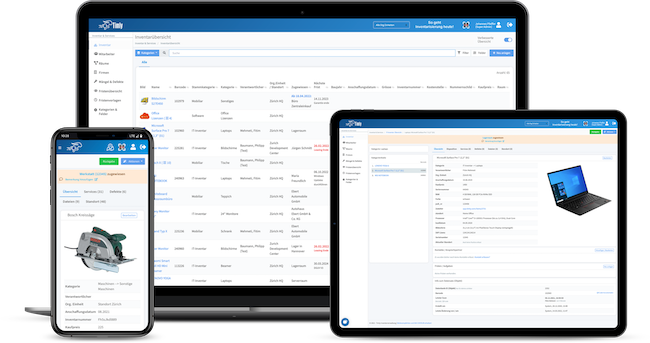
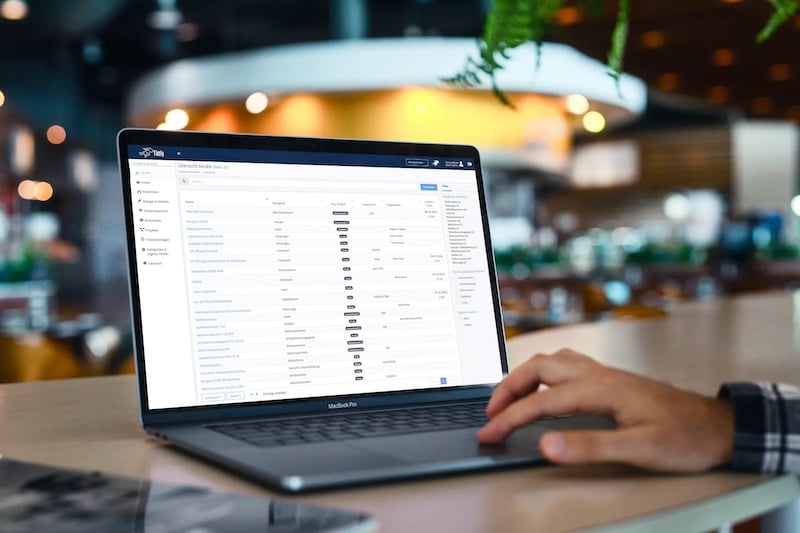
Web apps take the convenience of smartphone apps to the next level. Unlike traditional apps that require a permanent download from app stores and may not work across all devices, web apps are accessed directly through a browser. This makes them platform-independent and incredibly flexible.
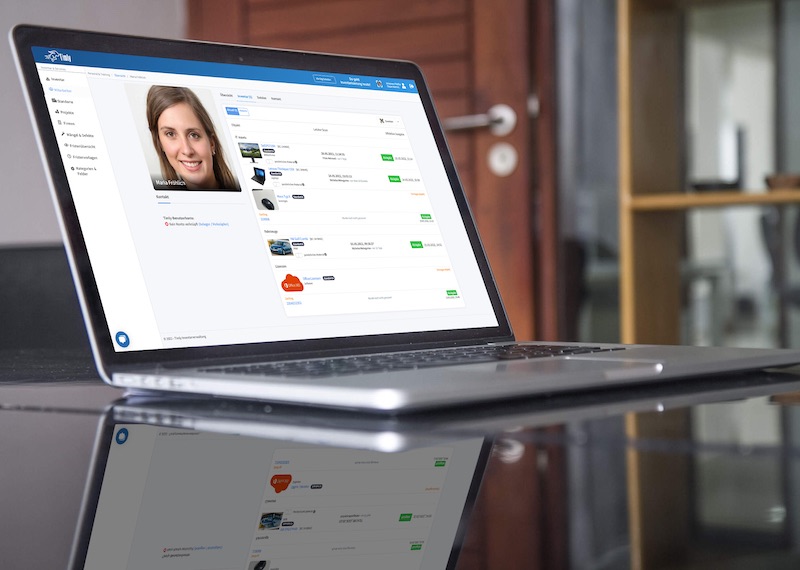
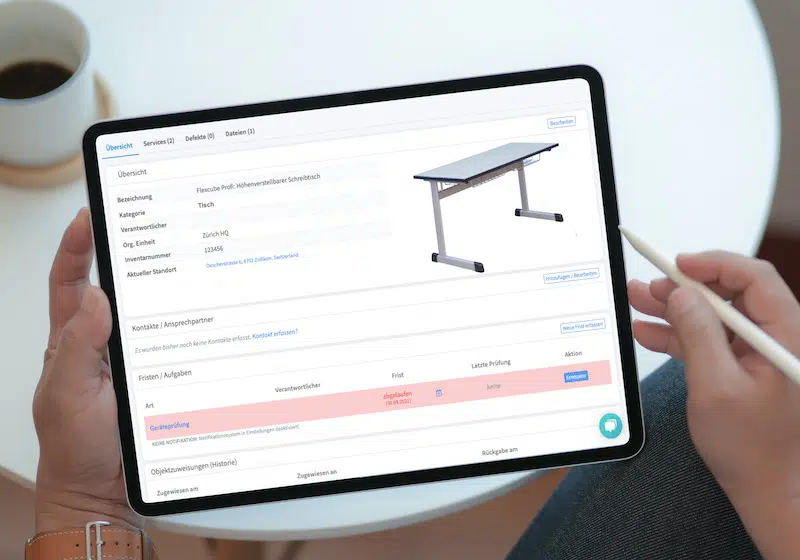
No matter if you’re on a PC, laptop, or smartphone, the app automatically adjusts to fit your screen. There’s no need for complex installations or constant updates—just open your browser and go. Even employees using their personal devices can easily access the system without any hassle.
For fieldwork, this is a game-changer. PC users get the full functionality of desktop software, while mobile users benefit from a touch-friendly interface. Plus, because web apps store data temporarily in the browser’s cache, they maintain full functionality without the need for long-term storage.
If your team operates in the field, having a tool as versatile as a web app ensures they stay connected and productive, no matter where they are.
The Timly Software in Use




Optimized Device Management With Innovative Self-Inventory
SodaStream is the world market leader for water sparkling systems for domestic use and has a lot of IT equipment at its various locations. Many colleagues now work from their home offices. A digital solution for the efficient management of IT end devices became necessary...

Panasonic x Timly: Driving Technological Innovation
One of the most remarkable aspects of human ingenuity is our ability to innovate. Innovation is embedded in the DNA of consumer electronics giant Panasonic, which has diversified into a number of sectors, from heavy industry to construction...
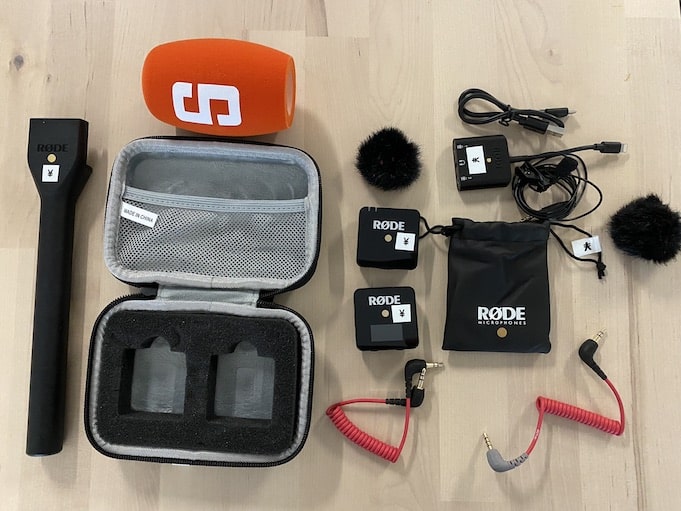
Manage Video Equipment Efficiently Without Much Effort
The Hamburg media company always does outstanding journalistic work and is characterized by independent reporting. In order to maintain journalistic quality, the teams work with highly specialized devices – these need to be managed efficiently...

Smart City Asset Management – Timly in Use at DIGOOH
The core business of DIGOOH Media GmbH in Cologne is to manage digital city light posters (DCLP) for outdoor use in various cities in Germany. The challenge here lies in making the client’s communication message always available at the right time, in the right place...






















(No credit card required)
Self-Inventory: Simplifying Annual Stocktaking
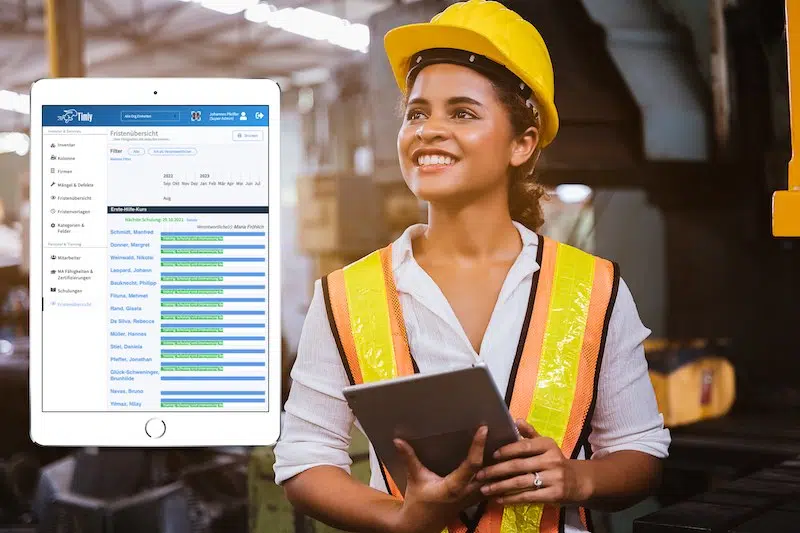
Annual inventory can be a time-consuming process, especially when employees are constantly in the field. That’s where modern inventory solutions like Timly’s self-inventory feature come in.
Here’s how it works: Employees receive an email prompting them to review and confirm their assigned equipment. They’re provided with an itemized inventory list, which they go through step by step. Once completed, they add a digital signature, ensuring everything is legally documented.
Since details like inventory locations and responsible personnel are already stored in the system, this process is quick and straightforward. Managers can check the inventory status in real time, ensuring deadlines are met without the usual hassle.
With self-inventory, you can streamline stocktaking, reduce administrative effort, and maintain accurate records, while keeping field teams focused on their work.
Enhancing Field Service Management with Convenient Software Features
When using field service management software, there are some must-have features, along with optional extras that can have huge impacts on your operations. Depending on your needs, here are some useful tools to consider:
- Ticket System: A built-in ticketing system allows orders or tasks to be created and assigned within the software. Authorized team members can update the status, keeping everyone informed of progress. This streamlines communication and helps avoid delays by providing a clear view of work status at all times.
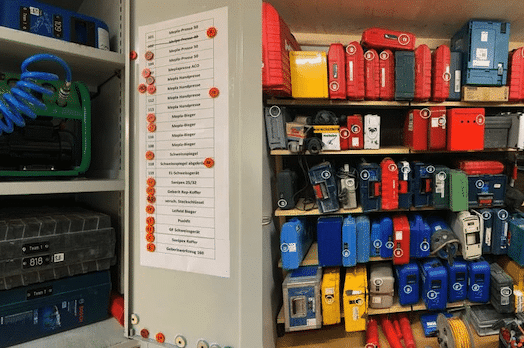
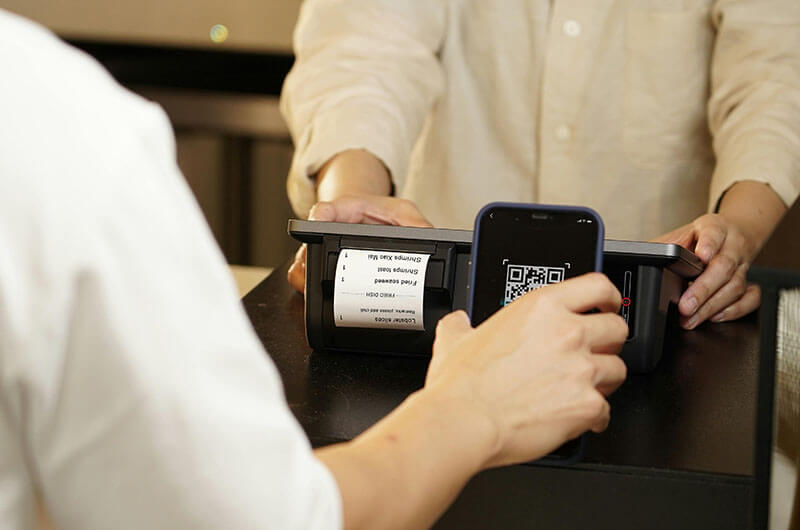
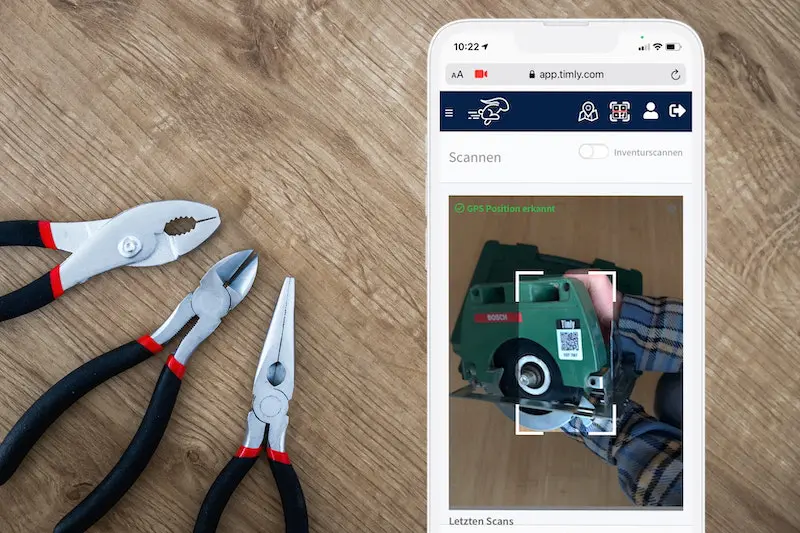
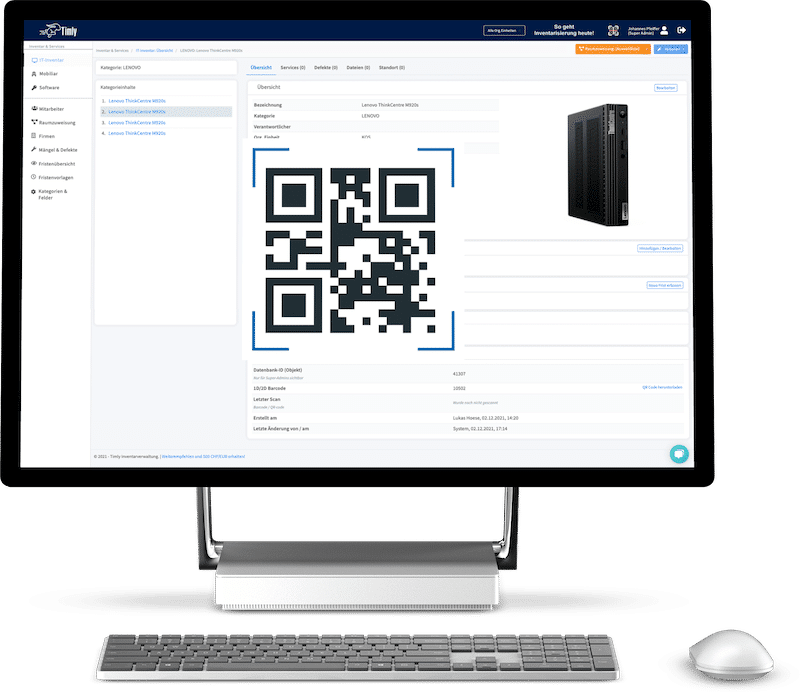
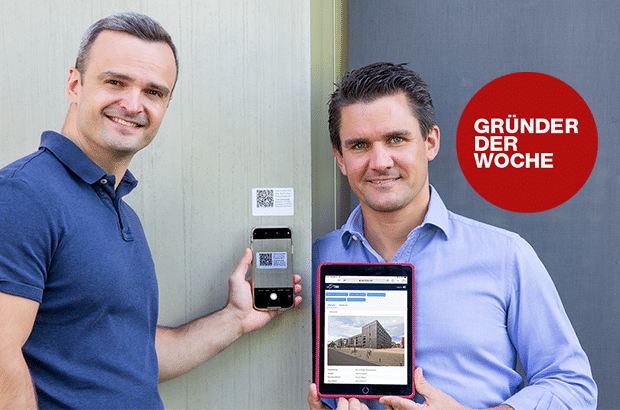
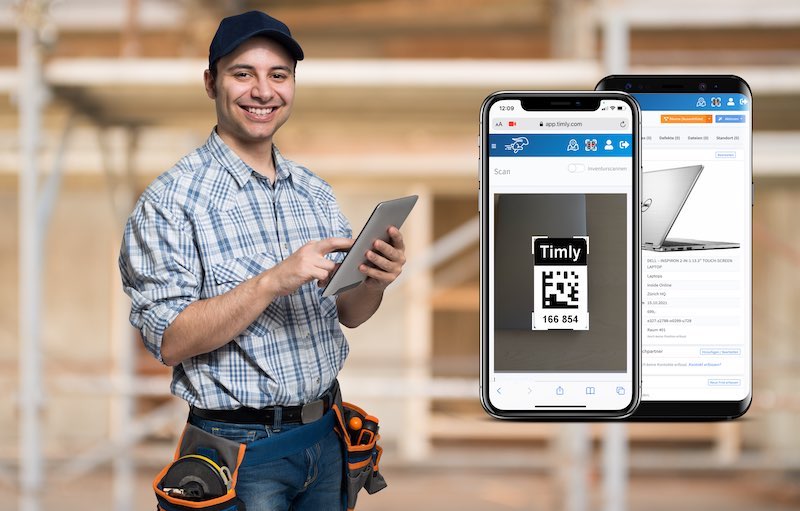
- QR Codes and Barcode Scanners: These features make data entry quick and easy, even in tough conditions. For example, on a construction site, you can simply scan a QR code to update inventory or confirm a location with no manual input required.
- IoT Sensors: The Internet of Things (IoT) adds additional automation, saving even more time. Sensors can monitor equipment locations, track fill levels, or send alerts for predefined events, like low stock. These devices often run on independent power supplies and connect wirelessly via special IoT SIM cards, making them perfect for remote or hard-to-reach areas.
- Third-Party Software Integration: Sometimes, specialized tools need to work alongside your field service management software. Seamless integration with third-party applications ensures data stays synchronized automatically, saving time and reducing errors.
- Security Monitoring: Keeping software secure is non-negotiable for every business. Tools like Lansweeper can be integrated to continuously monitor software versions and firmware. If a vulnerability is detected, it sends an alert, helping you address security risks before they become a problem.
Holistic and Intuitive: Making the Most of Field Service Software
Using software in the field is essential across almost every industry. While specialized tools can be useful, a well-integrated solution often works best. By bringing multiple functions into one platform, integrated software not only simplifies field service but also enhances operations company-wide.
Standardized workflows help maintain consistency and quality, while comprehensive inventory software can go far beyond simple stock tracking. It can also manage personnel, track materials, and handle a variety of other tasks.
Modern solutions offer innovative features, from workshop management to seamless stocktaking, allowing businesses to streamline operations and keep everything running smoothly. With the right software in place, field teams can stay organized and efficient, no matter where their work takes them.
FAQs: Using Field Management Software
Is It Really Necessary for Applications to Work in the Field?
Absolutely.It’s common for many tasks to be handled away from the office. To keep everyone productive, they need seamless access to all the tools and information they’d normally have on-site.
Why Should Field Employees Have Access to Inventory Management?
With instant data transfer, there’s no need to relay information through third parties, reducing the risk of forgotten or misplaced bookings. It keeps workflows smooth and efficient.
Why Do So Many Companies Prefer Software-As-A-Service (SaaS)?
SaaS minimizes hardware requirements and eliminates most administrative overhead. It’s also highly scalable.
Are Cloud Applications Really Secure?
Yes! Cloud-based solutions are just as secure as local software, if not more so. Providers handle updates and implement robust security measures like two-factor authentication and data encryption.
Recommended for you:













































































































































































































Book an online demo - free and without obligation - or create your free trial account directly.