
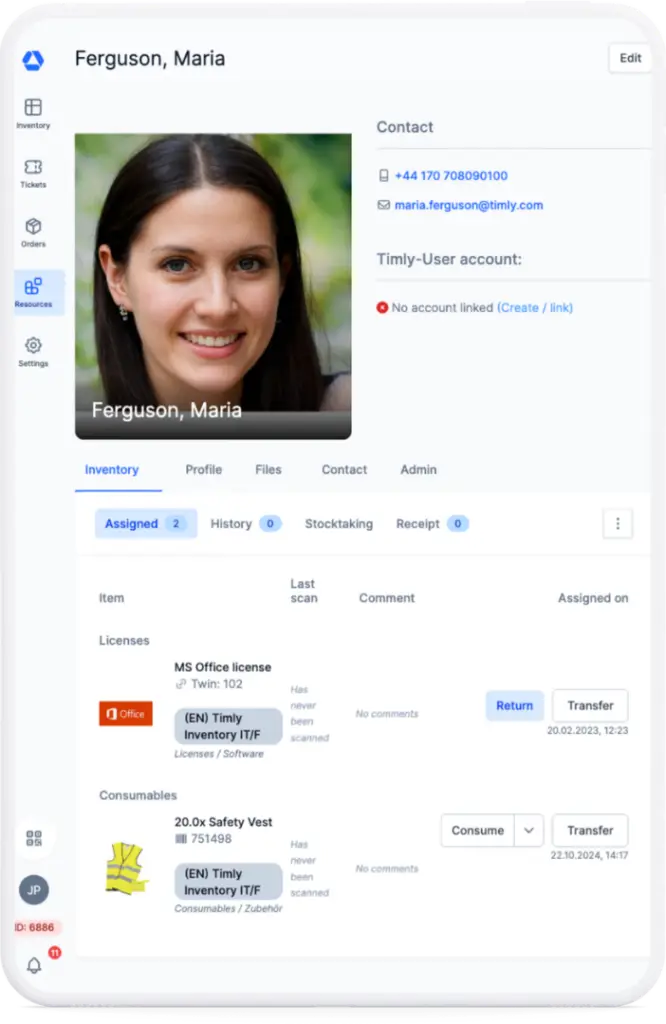

Inventory Tracking Software: Make Stocktaking Easy
Digital stocktakes without downtime: With Timly’s inventory tracking app, your teams count via smartphone, reduce errors, and keep full visibility at all times.
Win Back Valuable Time
Reduce Inventory Losses
All Items At Every Location
Stay Up To Date All Year—Instead Of A Once‑A‑Year Shutdown
Inventory tracking software: perform stocktakes with ease!
Traditional physical inventory audits cost time, block teams, and are often based on paper or scattered Excel sheets. A digital stocktake, on the other hand, runs continuously in the background, your inventory data stays current all year, and the annual full stop in operations disappears.
Delegate Stocktakes—Let Teams Join In Via App
The inventory tracking app enables continuous counting with minimal effort. Instead of centralized campaigns, local teams record stock themselves—with smartphones, clear task lists, and guided workflows.
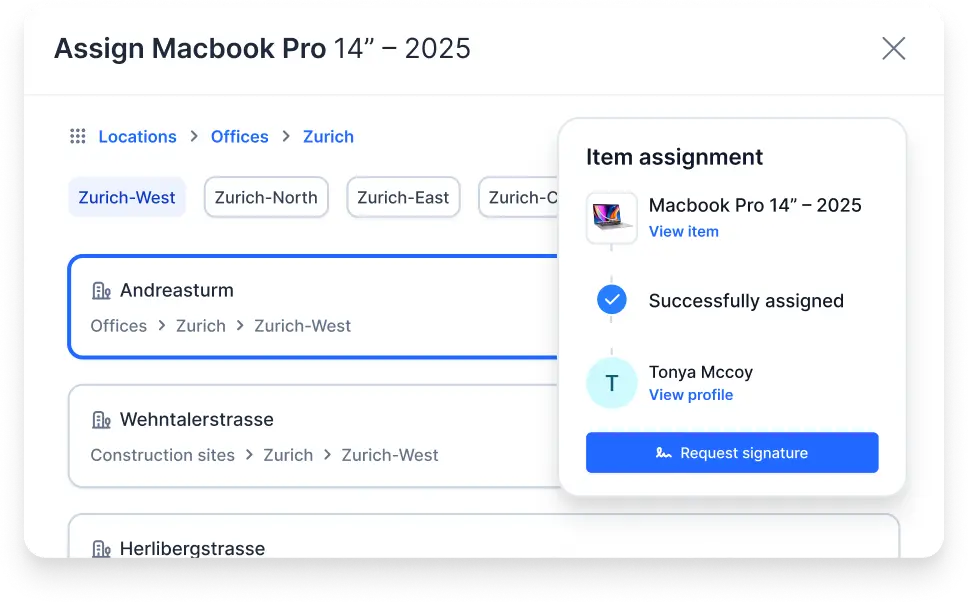
Delegate inventory audit tasks specifically to locations, branches, and home‑office teams.
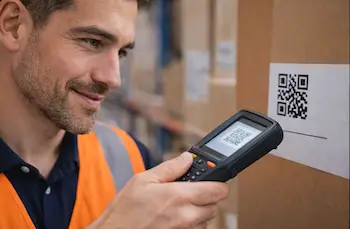
Update quantities directly on the item via scan and post them to the system automatically.
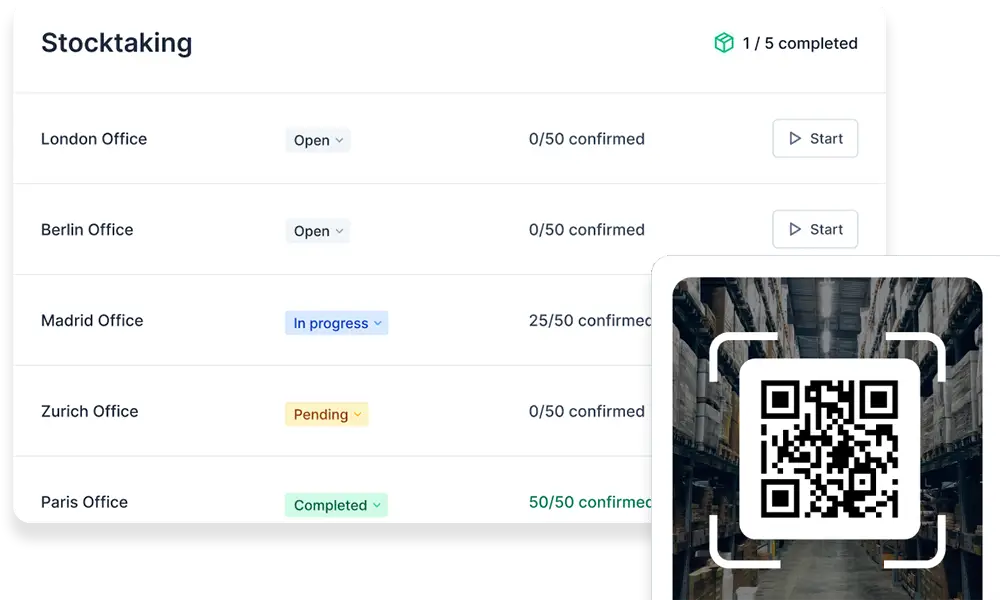
Track stocktake progress in real time and resolve discrepancies immediately.
App‑Supported Inventory Tracking Software: Scan, Compare, Done
Scan
Use smartphones, barcode scanners, or RFID tags to capture stock directly on each item—without extra hardware and, if required, also offline.
Control
Plan inventory audit tasks centrally, delegate them to locations and employees, and track the status of all app‑based stocktakes in real time on your dashboard.
Analyze
Evaluate inventory audit data automatically in clear dashboards, spot discrepancies immediately, and export results when needed.
Integrations
Connect your inventory tracking software seamlessly with ERP, DATEV, and other systems so that stock levels stay in sync between the inventory tracking app and your IT landscape.
How Companies Use Timly’s Inventory Tracking App
Optimized Inventory Management With Innovative Self-Auditing
Read Success Story

Driving Technological Innovation
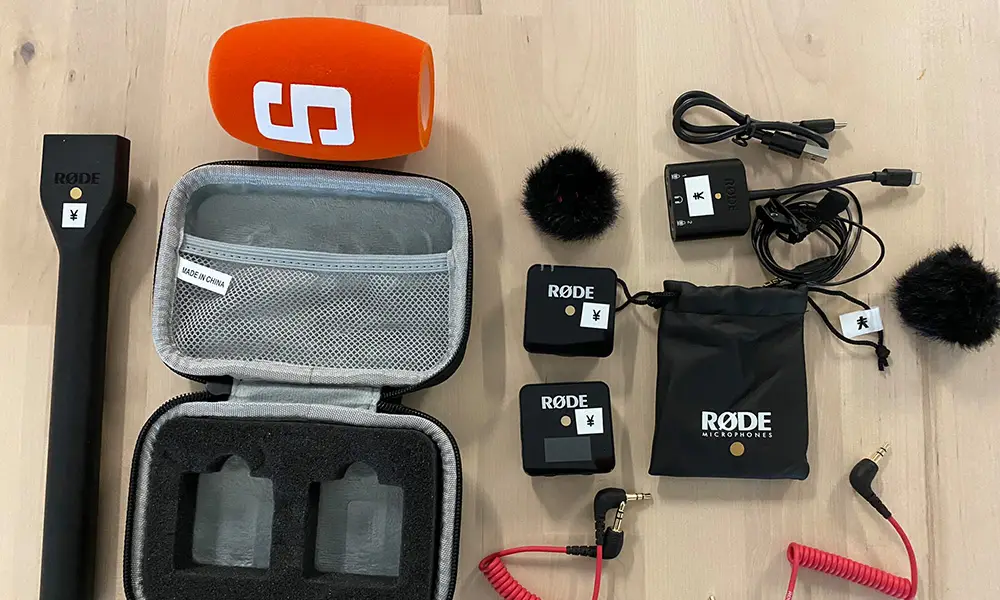
Manage Video Equipment Efficiently and Effortlessly

Smart City Asset Management at DIGOOH

Sustainably Improved Workflows at the University
The Bern University of Teacher Education spent over a month each year conducting stocktakes of furniture and keys. The significant effort involved, along with the goal of digitalization, prompted the search for a simple digital solution to manage the yearly inventory more efficiently…
Timly: Holzbau Bühlmann AG’s Best Tool
Read Success Story
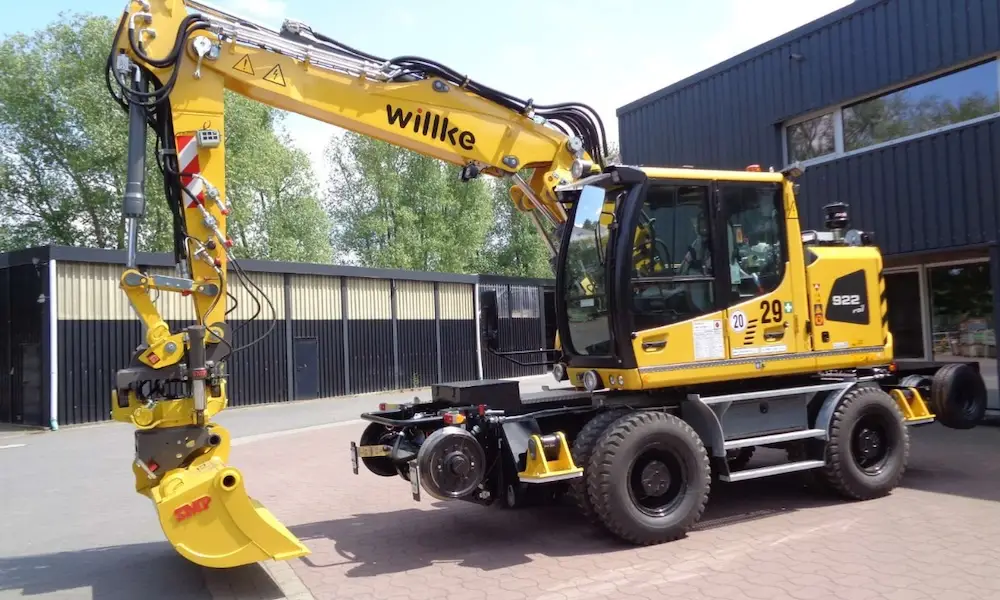
In Action on the Major Construction Site at Bern Train Station
Read Success Story
Digitalization of 250 Service Locations

From the Construction Site to the Cloud: Digitalized Equipment Management
Full Steam Ahead into Digital Transformation
Defects, Deadlines, and Certifications: All Digital
Read Success Story
A Journey into Maintenance Management
Read Success Story

Digital Maintenance Management for the Logistics Industry

Timly Reaches for the Stars with Isar Aerospace

Inventory Software in the Service of Healthcare
No More Magnets: Digital Inventory & Tool Management
Read Success Story

The Science of Inventory Management

From Paper to Digital: An Agile Transformation

Digital Warehouse Management at Hafen & Hof

Together for All Generations: Nursing Home in Austria
Faster Responsiveness with Bluetooth Trackers
Read Success Story

Simplifying Everyday Life Through Innovation

Volocopter Reaches New Heights with Timly
JOMOS Sparks Innovation with Timly

Tracking Inventory on Land and at Sea
The Right Inventory Tracking Software For Any Company Size
Digital Stocktake With Real Added Value
Versatile Interfaces That Connect Your Systems
Learn More About Timly’s Inventory Tracking App
App-Based Inventory Software for Modern Businesses
Timly is an app-based, cloud inventory software designed for companies with multiple locations, equipment fleets, or home office setups. It enables precise stocktaking, allowing teams to record inventory directly at the item via smartphone, barcode scanner, or RFID—without extra hardware and without downtime.
Timly supports fixed-date, continuous, and spot-check inventories for warehouses, equipment, and IT assets. Centralized task management, workflows, and dashboards make the progress of app-based inventories visible across locations, highlight discrepancies in real time, and integrate data via interfaces with ERP, DATEV, and other systems.
Frequently Asked Questions About Digital Inventory Audit Management
Get answers to the most important questions about the inventory tracking app. Here you will find compact information about features, rollout, and usage to make both onboarding and daily operations easier.
Inventory tracking software offers clear advantages over Excel or manual lists. It consolidates all inventory audit data in one central, up‑to‑date system instead of working with scattered spreadsheets or paper lists where errors and duplicate records quickly occur. With a digital inventory audit solution, your teams record stock via scans directly on each asset, reduce typing errors, and save time during counting. Automated plausibility checks, histories, and reports create more transparency, simplify coordination with accounting and auditors, and make overall inventory planning more scalable.
An inventory tracking app is a mobile application that allows employees to capture stock directly on each asset via smartphone or tablet—for example by scanning barcodes or RFID tags. It replaces paper, Excel lists, or stationary handheld scanners and sends all data straight into a central system.
Classic inventory audit software usually runs only on desktop computers and requires that counting results be transferred manually afterwards. An inventory tracking app is designed specifically for mobile use, supports guided workflows, offline features, and the delegation of inventory tasks to different locations or teams. Combined with inventory audit software in the background, it creates an end‑to‑end stocktaking process—from on‑site scanning and automatic reconciliation through to reporting and transfer to ERP or accounting.
Timly supports inventory audit management across multiple locations by managing all assets and stock in a central, cloud‑based inventory tracking software. Managers see in real time which teams are running stocktakes at which location and how far counting has progressed.
Through the inventory tracking app, tasks can be assigned by location to employees—for example for warehouses, plants, branches, or home‑office equipment. Guided workflows, roles, and permissions ensure that each person only sees and edits the stock relevant to them. Dashboards and reports consolidate the results from all locations, highlight discrepancies and inventory losses early, and simplify coordination with accounting and management.
In a digital stocktake with an app, stock is captured directly on the asset via scan and updated immediately in the inventory tracking software. The app assigns inventory audit tasks to employees, guides them through the count, and documents every step automatically.
As a perpetual physical inventory audit, this process runs throughout the year: stock levels are updated during movements or in regular count cycles instead of counting everything at once once a year. This keeps data continuously up to date, reveals inventory differences earlier, and significantly reduces the effort of the classic annual stocktake.
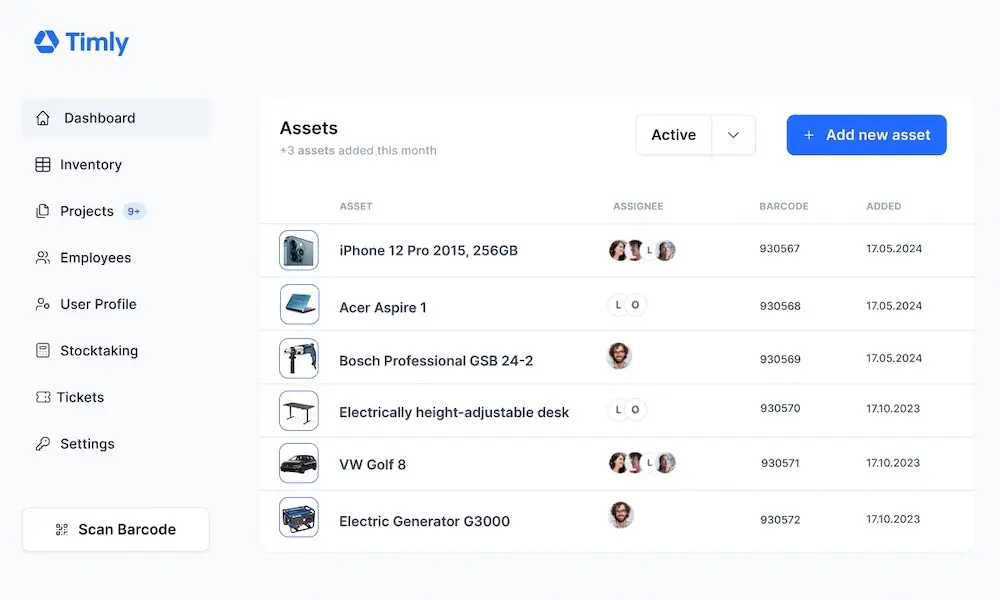
Yes, Timly is very well suited as asset verification software for machines, tools, and IT equipment. The solution maps all assets centrally, including locations, responsible persons, serial numbers, maintenance dates, and lifecycle information.
Using the asset inventory app, employees can scan equipment via barcode or RFID directly at the point of use and record quantities, conditions, or handovers. This way you always know which machines, tools, or IT devices are in use where, reduce search time and losses, and meet the requirements of accounting, audits, and insurers.
The Timly asset inventory app turns existing smartphones and tablets into fully fledged devices for physical inventory audit. It scans barcodes and—depending on the device—RFID tags, automatically links each scan to the correct asset, and sends the data directly into the inventory tracking software.
In addition, employees can record conditions, photos, notes, or location changes and complete inventory audit tasks with guided workflows. Usually, a current iOS or Android device with a camera is sufficient; dedicated handheld scanners are only optionally required, for example in very harsh environments or when MDE hardware is already in use.
Yes. You can either book a free online demo with an expert or start a non‑binding 10‑day trial of Timly’s inventory tracking software yourself and test the features with your own data—completely risk‑free.