Timly Learning Center
The starting point for your digital inventory management: Prepare your team for the successful use of Timly in just a few actions—with clear first steps, practical guides, and helpful resources.
What Would You Like to Start With?
Your Timly Onboarding: The First Steps
STEP 1
Account Set-up
In the first step, you’ll set up your environment together with your Timly contact—from locations to user permissions. This ensures that the software aligns with your structures, roles, and security requirements from the very beginning. You’ll define:
Locations, categories, and responsible parties for your inventory
User roles, access rights, and approval processes
Interfaces and integrations via API with existing systems
STEP 2
Data Import
Do you already have existing data that you want to transfer to Timly? No problem! In the second step, you can easily import all your data—without Excel chaos or isolated solutions. This lays the foundation for a reliable 360° view of your inventory. Together, you’ll ensure:
Structured import from Excel or legacy systems
Clean inventories, locations, QR labeling, and categories
Definition of maintenance intervals, inspection deadlines, and responsibilities
STEP 3
Training and Go-live
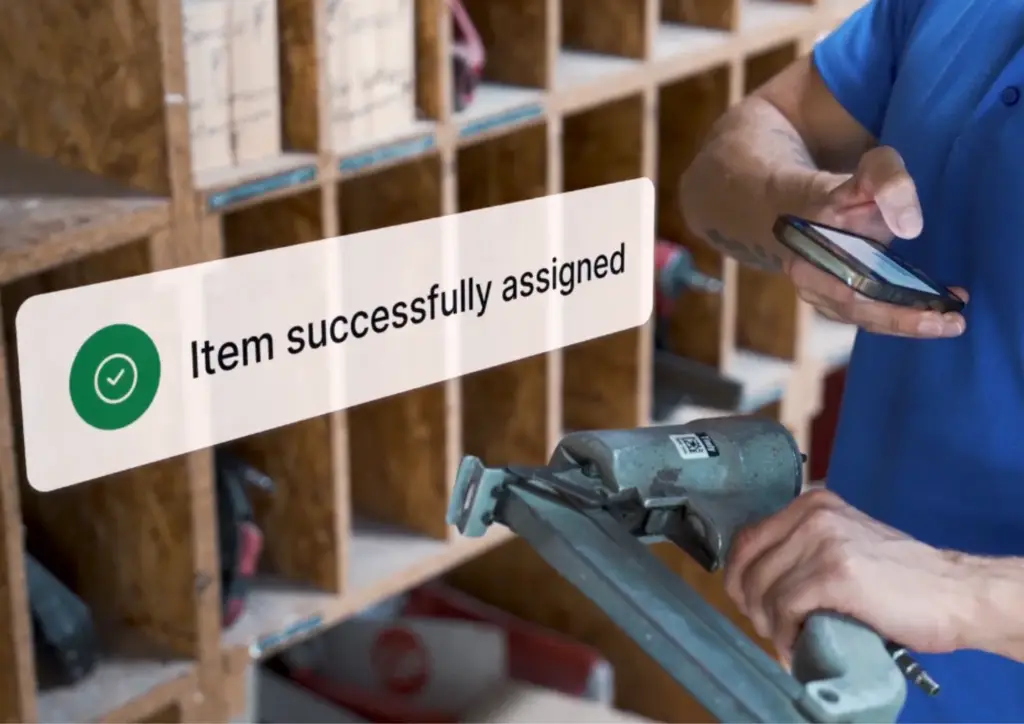
In the third step, you’ll get your teams ready for daily operations with Timly and go live productively. The focus is on practical workflows—from smartphone data capture to maintenance planning. You’ll receive:
Training for admins and key users, tailored to your use cases
Introduction for operational users, e.g., warehouse, workshop, field service
Clearly defined processes for assignment, transfer, return, maintenance, and inventory
Your Companion: The Welcome Guide
Welcome Guide: Furniture & IT Assets
Welcome Guide: Machines & Equipment
Timly App Video Tutorials
Frequently Asked Questions about Inventory Management
Get answers to the most important questions about Timly—the digital inventory management software. Here you’ll find helpful information to make getting started and using the software easier.
Digitizing inventory management (inventory optimization) creates a central, always up-to-date overview of all items and stock, instead of scattered Excel sheets or paper files. This significantly reduces search efforts, duplicate purchases, and equipment losses, while increasing transparency and control. With inventory software like Timly, you can speed up inventories, automatically track maintenance and deadlines, and access all information on the go via QR scan directly at the asset. This reduces errors, saves time in administrative and operational areas, and improves the availability and lifespan of your inventory.

Timly can basically manage all key types of inventory in your organization—from IT equipment and tools to machines, furniture, fleet vehicles, and consumables. Typical examples include IT resources (laptops, tablets, printers), tools and machinery, vehicles/fleet, furniture and office equipment, as well as regularly used consumables (for warehouse organization), all of which can be organized using fully customizable categories.
Yes. Timly is designed as a web-based solution and inventory app so that you can manage your inventory with full functionality on smartphones, tablets, and PCs. Through the mobile app (iOS and Android), features such as QR/barcode scanning (for inventory capture), location and user assignment, maintenance documentation, and inventory mode are available directly on-site—no additional hardware or special scanners required.
The software is hosted in secure data centers operated by OVHcloud, whose servers are ISO 27001 certified and comply with additional standards for cloud security and data protection. Combined with encrypted data transmission, strict access controls, and comprehensive data handling agreements, Timly ensures a high level of protection for your data in accordance with U.S. data security best practices.
Yes. You can either book a free online demo with an expert or start a non-binding 10-day trial of the Timly inventory software yourself, testing the features with your own data—completely risk-free.
Timly is a holistic inventory management system that can be used across industries. It is employed by companies and organizations from a wide range of sectors, including construction and crafts, industry and trade, hospitality and services, public administration, education, and healthcare. Because categories, fields, and workflows can be flexibly configured, the solution can be implemented in small businesses as well as large corporations or municipal organizations—regardless of company size or types of inventory.
Yes. On the success stories page, you’ll find dozens of real-world examples where companies from various industries describe how they use Timly’s online inventory management for stock control. In addition, there are numerous verified customer reviews on independent platforms such as Capterra, G2, and Google Reviews, where users report improved visibility, time savings, and excellent support.