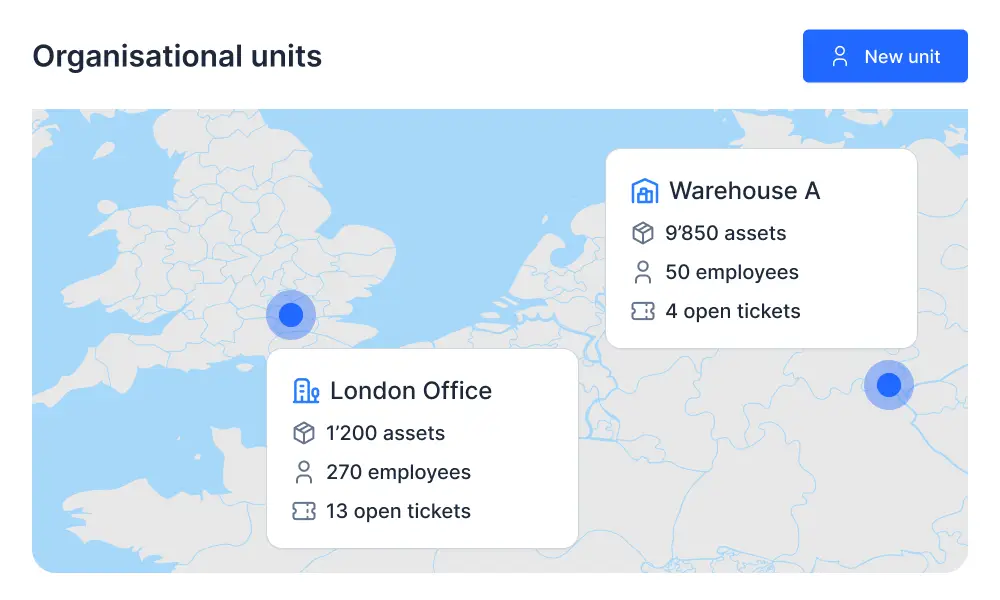
Companies are often divided into multiple locations and work areas. With Timly, you can accurately map your organizational structures. Simply create the necessary organizational units to get started.
Flexibility Through Customized Organizational Units
With Timly, you can flexibly map your company structure. Organizational units, locations, and work areas can be created individually—for maximum clarity and efficient management.
Define Organizational Units
Create organizational units freely to precisely reflect your company structure.
Manage Locations Individually
Define locations and subsidiaries separately and limit features specifically to individual regions.
Map Work Areas
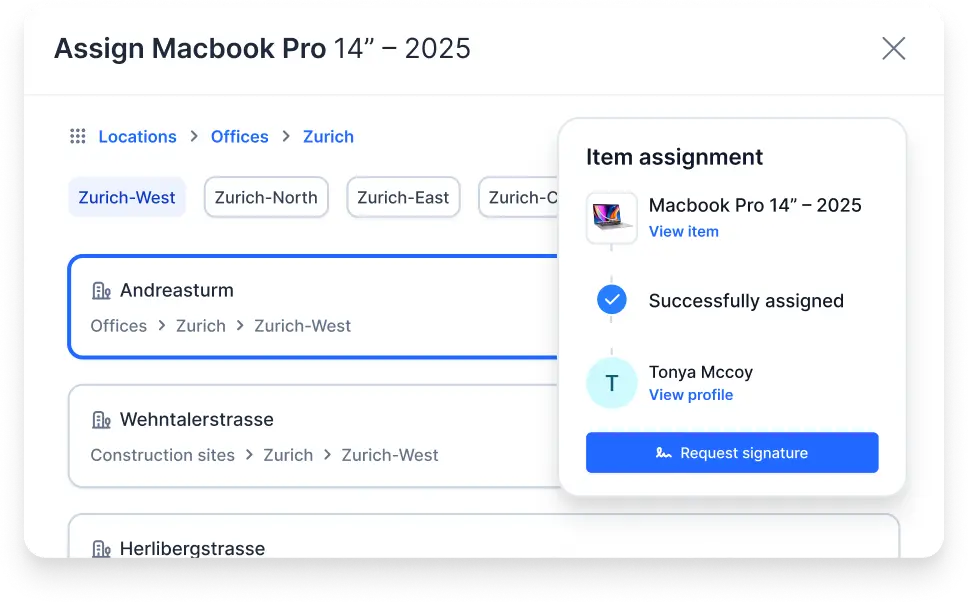
Even within locations, any number of subdivisions can be created—for structured management across all areas.
Assign Resources Clearly
Allocate employees and work equipment to specific organizational units. Filters can be applied company-wide or locally.
Inventory needs to be available and ready for use. That’s why it makes sense to view items only by the location where they are needed. This prevents misunderstandings and provides a clearer overview.
In Timly’s basic settings, you have the option to create organizational units. These then appear as selection options when adding new employees or items.
In Timly’s table views, attributes are displayed clearly and organized. To filter, simply click the triangle icon in the status bar and select the desired locations by checking the corresponding boxes.
Yes. Assignment to an organizational unit is a flexible attribute. It can be adjusted at any time in the profile of each employee or item.
Discover Timly Today
Schedule a free, no-obligation online demo or create your free trial account today.