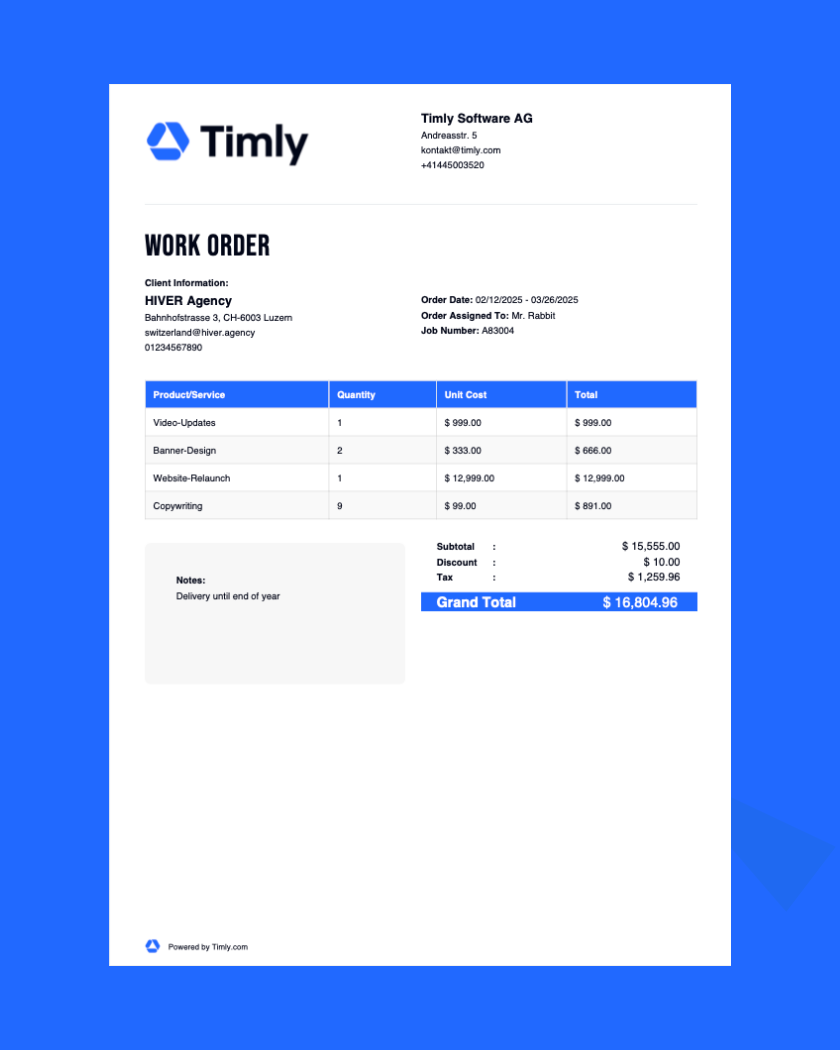
Create and download work orders: Use this free work order generator to create structured work order templates in just minutes.
Generate Your Free Work Order Template
Generating PDF
We are processing your information...
Frequently Asked Questions
A work order is a written request for a planned task that has not yet started. It helps service providers manage customer tasks. Companies also use work orders internally when one team needs another to complete a task. The work order remains pending until the work begins.
A typical work order format includes a work order number, start and end dates, business details, and customer information. It also lists the requested services or products, prices, taxes, and terms. With a free work order generator like Timly’s, you can create a clear, professional work order template with space for signatures.
No, a work order is typically not a legally binding contract. It primarily serves as an internal document that outlines the tasks to be completed.
Yes, you can create a work order in Excel by designing a template that includes fields for work order details, assigned personnel, and deadlines.
No, a work order cannot be used as an invoice. A work order authorizes tasks to be performed, whereas an invoice requests payment after the work is completed.
Discover Timly Today
Schedule a free, no-obligation online demo or create your free trial account today.